"Save to Account" button missing for new terrain shading interface?

I love the design of the new terrain shading interface. It's a huge quality of life boost - and the graphics are fun.
That said, I can't seem to find how to save these custom layers to my permanent custom layers in "Your Data." In the past I recall this being possible with a "Save to Account" button.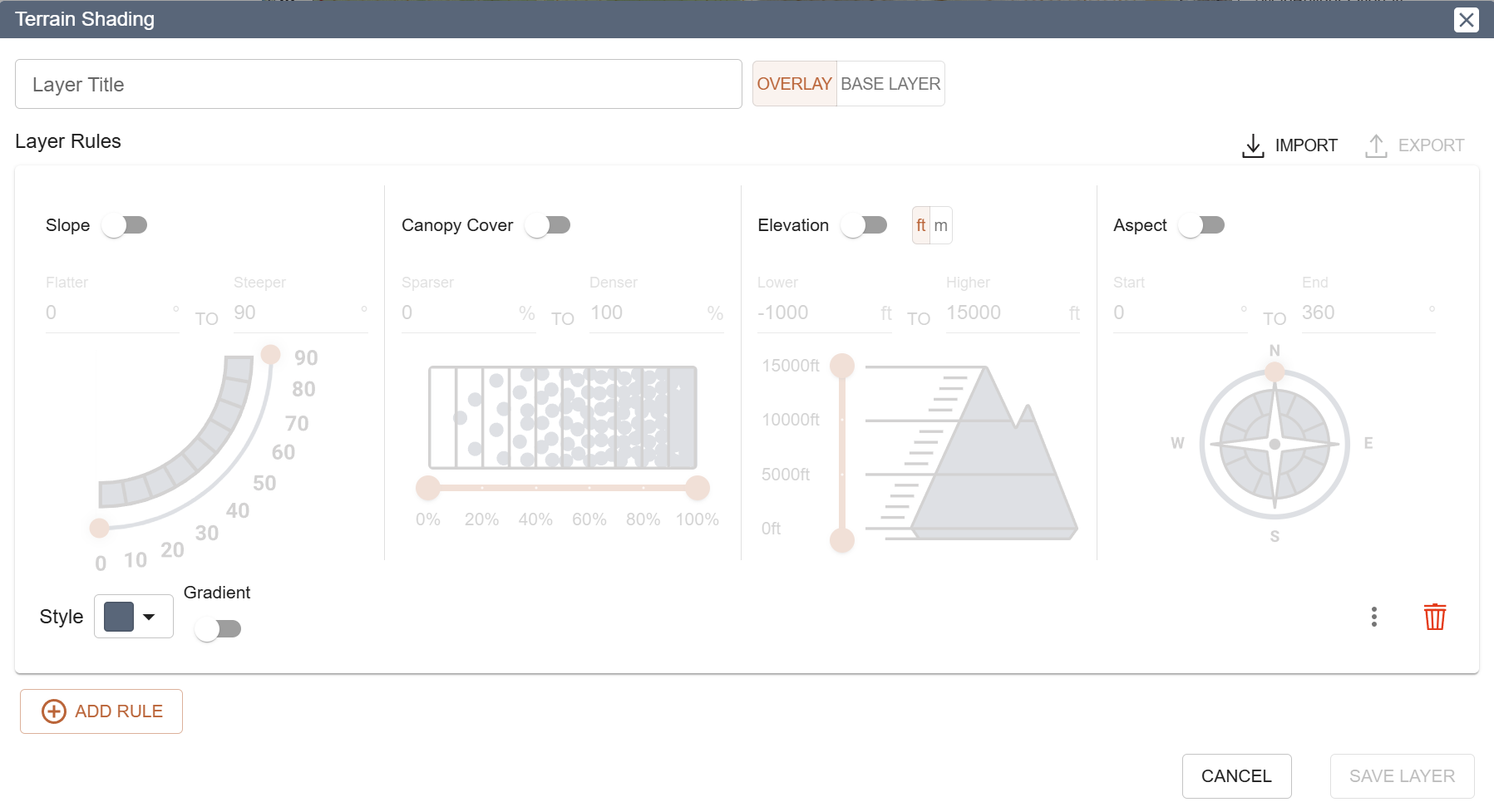 https://training.caltopo.com/all_users/base-layers/custom-intro#:~:text=To%20save%20a%20custom%20layer,edit%20box%20for%20the%20layer.
Comments
4 comments
Hey Chad,
Thanks for writing in, we're glad to hear you're enjoying the new Terrain Shading interface.
Don't worry, it's still possible to save Terrain Shading layers to your account! In the new interface this functionality was placed inside the 'export' menu.
It seems that this design decision wasn't intuitive to you - if you have any thoughts as to why/how the design was unclear we'd love to hear them. This new 'save to account' flow is something we're open to changing. We'd also be interested in your feedback on the Terrain Shading interface in general.
Thanks again for writing in,
-Zach
Jumping in as a longtime CalTopo user who just noticed the new Terrain Shading Interface. I've been making Terrain Shading layers for many years, mainly elevation/slope maps with multiple rules. At first glance, the redesign is a huge visual and ease-of-use upgrade, especially for newer users. There are many different ways to use this tool, but I have a few comments based on my use cases:
Hello geimerpr!
Thanks for the feedback. I went ahead and made some tweaks to the spacing in the Terrain Shading dialog to get rid of some unnecessary whitespace and make things a bit more compact. Those changes will be live shortly.
A multi-step gradient tool is an interesting idea. I'd be a bit worried about making it understandable and usable for most people, but it's worth thinking about for sure!
To be forthright, we tried several different styles of slope visual including one resembling the image you've shown. The one you see in our UI is the one that we liked the most and that was most well received by people testing it. Ours resembles an inclinometer which we like as there is a lot of use for Terrain Shading in the skiing community, where an inclinometer is a familiar tool.
Despite your feedback, do you think the new interface is an improvement overall? I can't tell from your first few sentences if you're saying that at first glance its more usable but upon further inspection it isn't more usable.
Thanks for your time,
Zach
I'm very familiar with the old UI and am comfortable editing the Terrain interface text files, so personally the new UI isn't much faster or intuitive to me even if it looks much better! But I am interested in the aspect compass and any future multi-step color gradient option. In some ways, I actually find the elevation less intuitive now because the summit elevation is fixed at 15,000' regardless of the area I'm in or elevation limits that I'm using, but I can understand the thinking in doing it this way.
I've used an inclinometer and to me, it's a great tool to find a specific angle, especially since you have the entire device tilted to visually match the measured number. Without that visual aid, I just find the pie-shaped plot more visually intuitive. But I'm not a backcountry skier unlike most people who care about slope angles!
Please sign in to leave a comment.