
-
<% blocks.forEach(function(block, index) { %>
-
<% if (imageHeight) { %>
<% } %>
<% if (!block.description) { %> <%= block.name %> <% } else { %> <%= block.name %> <% } %>
<% if (block.description) { %> <% } %>
<% }) %>
Comments
5 comments
Hi Darren,
Sorry to hear you are experiencing this. This is a known bug at this time and we are working hard to release a fix. In the meantime, quitting the app has fixed this for other users. If you are working offline, ensure you have necessary layers downloaded before quitting the app. Quitting the app will not stop a track if you are tracking.
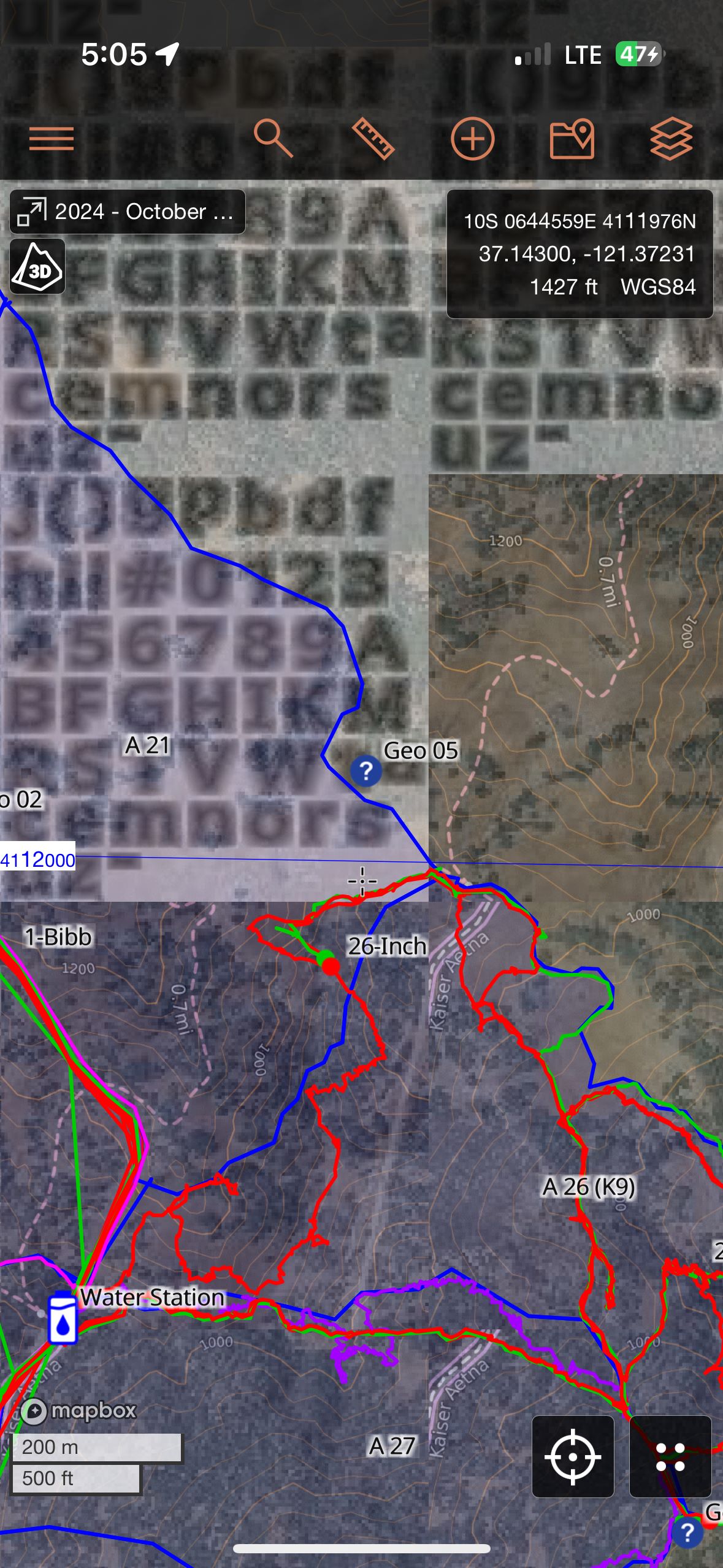
I have seen this twice recently, both times, I downloaded tiles for my assignment with WiFi, First time at standard resolution, and Friday at high resolution, however when I zoom in while in the field on Saturday (with no cell or wifi) I see blocks and disjointed map and if I zoom in enough it shows what seems to be some sort of alpha numeric test block.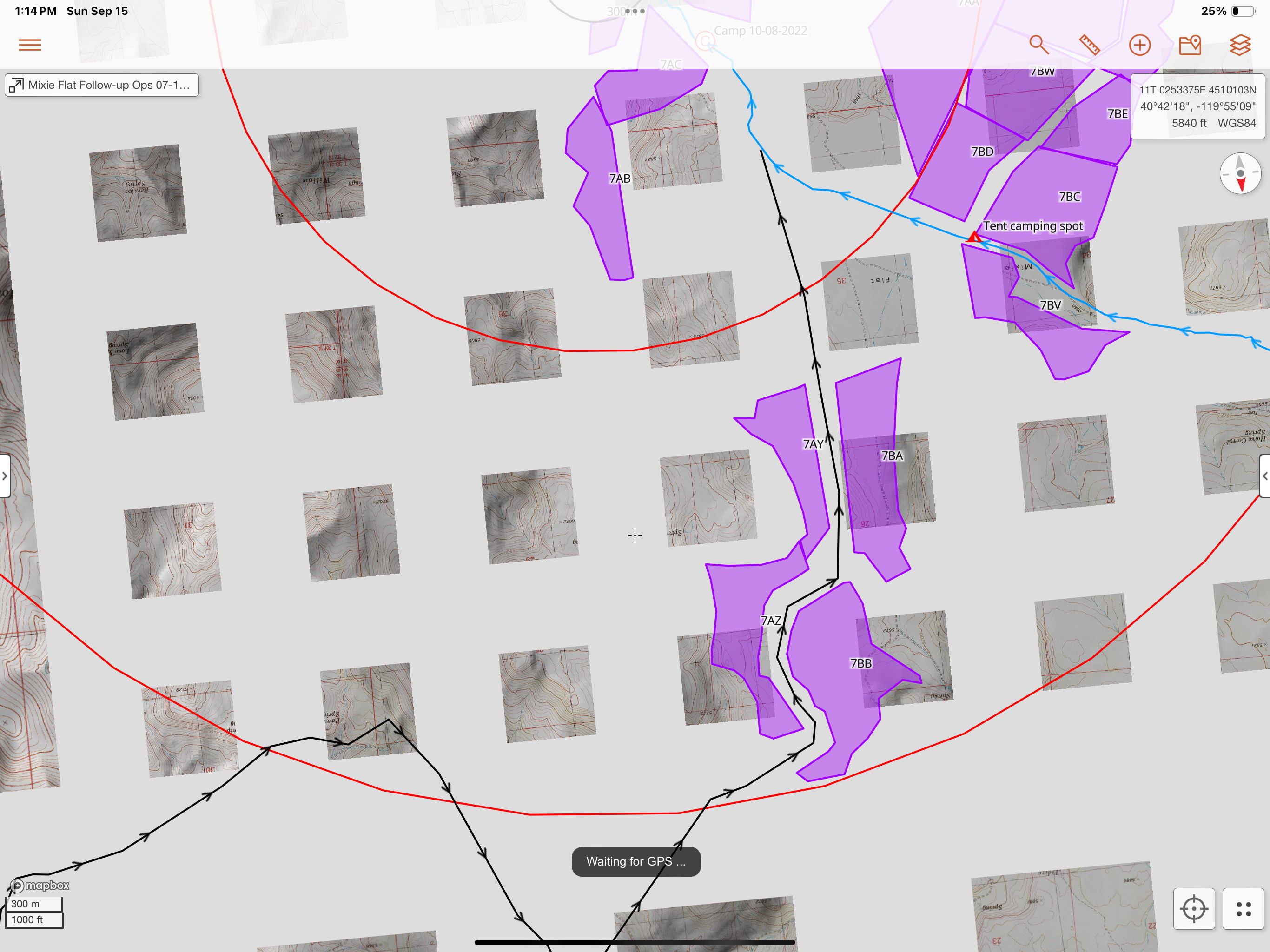
Rachel
I am experiencing something similar.
Here are the layers I am using:
And here is the undireable behavior:
I have noticed this several times over the last few years, but I cannot reliably reproduce the behavior. It does seem to usually involve downloading the same quadrant multiple times, at different resolutions, but perhaps is also related to cached tiles as well. I would be happy to try and chase reproduction steps if it would aid development.
In the meantime I will try force quitting the app and restarting to see if that helps.
Matt -
It's really hard to tell for sure from the screenshot, but this looks to me like an area where tiles were not downloaded for offline use, and a reliable cell connection was not available. It looks to me like this zoom level is within our standard resolution download, so not a question of only downloading standard resolution and then zooming in further. I'm not suggesting that you didn't actually download map tiles, only that it looks like for whatever reason, the app doesn't think it has them.
Although I can't think of how/where it would be happening, I wouldn't rule out a caching issue. Our latest release (1.21) includes an offline mode toggle in the layer menu, which forces the app to only use local data and never try to load tiles off the internet. Toggling offline mode on or off also clears our internal cache and forces a reload of map tiles - if this happens again, I'd be curious to hear if toggling offline mode resolves the issue.
Matt,
Thanks. I noticed the new offline mode button, but haven't encountered this behavior since I posted last. It is truly difficult to reproduce! I will be sure to try and toggling offline mode the next time I encounter it.
-Matt
Please sign in to leave a comment.